Show summary Hide summary
Your phone’s running out of space again? If you’re a WhatsApp user, it’s not just your memes that are heavy—your storage is pleading for mercy! But there’s a hidden trick that can instantly give your device a breather, freeing up gigabytes with only a few taps, all without losing what matters. Here’s how WhatsApp’s internal trash really works, and why it’s your best ally against the digital chaos piling up in your pocket.
Why WhatsApp Eats Up Your Storage (And You Barely Notice)
- WhatsApp is huge. In fact, it’s the fourth most-used app in the world, and in France alone, 24 million people check it every day—nearly a third of the population!
- Every photo and video you receive is downloaded by default. These files stack up behind the scenes, quietly munching through all those 64 or 128 GB phones. Suddenly, you’re out of room for more cat videos.
Translation: send enough cute dog clips to your group chats, and you could almost hear your phone sighing in protest. The cause? Attachments accumulate like digital dust bunnies, filling your device surprisingly fast. But there’s hope lurking in WhatsApp’s menus—a hidden “internal trash” that can clear space in minutes.
Meet the Internal Trash: WhatsApp’s Secret Space Saver
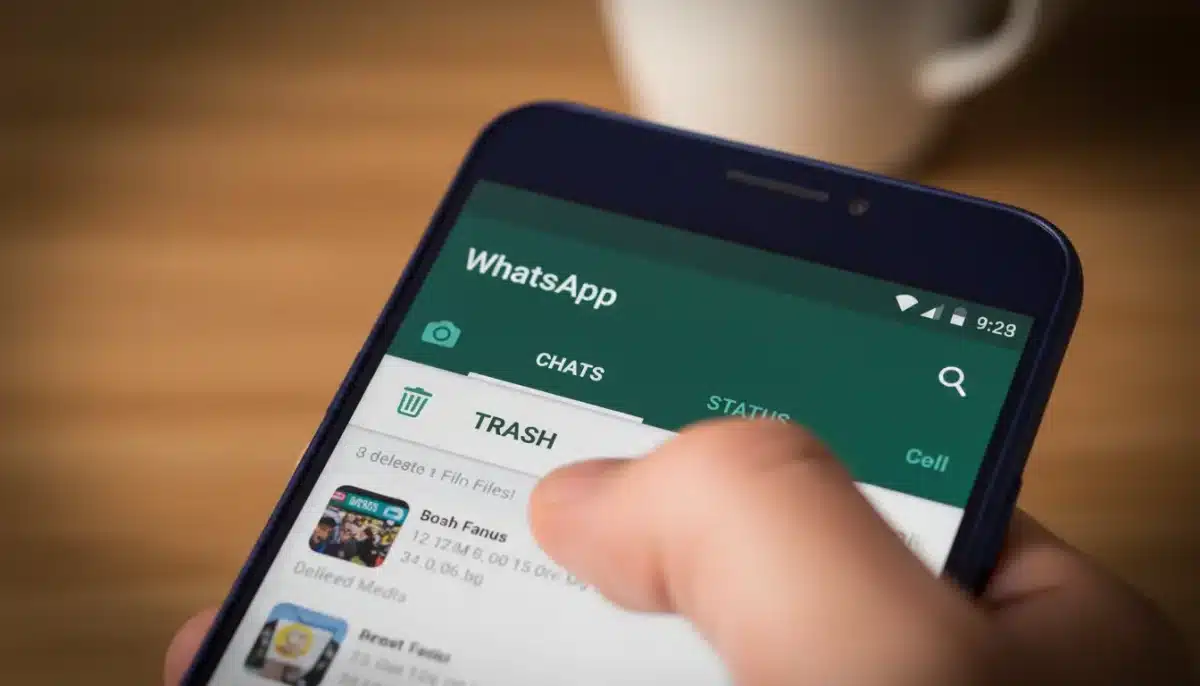
Inside WhatsApp lives an unsung hero: the internal trash. Tucked behind the “Manage Storage” option, it lets you see just how much space the app—and especially its media files—are consuming.
Anglo-Saxon burial reveals “unprecedented” secrets: experts stunned by 1,400-year-old grave mysteries
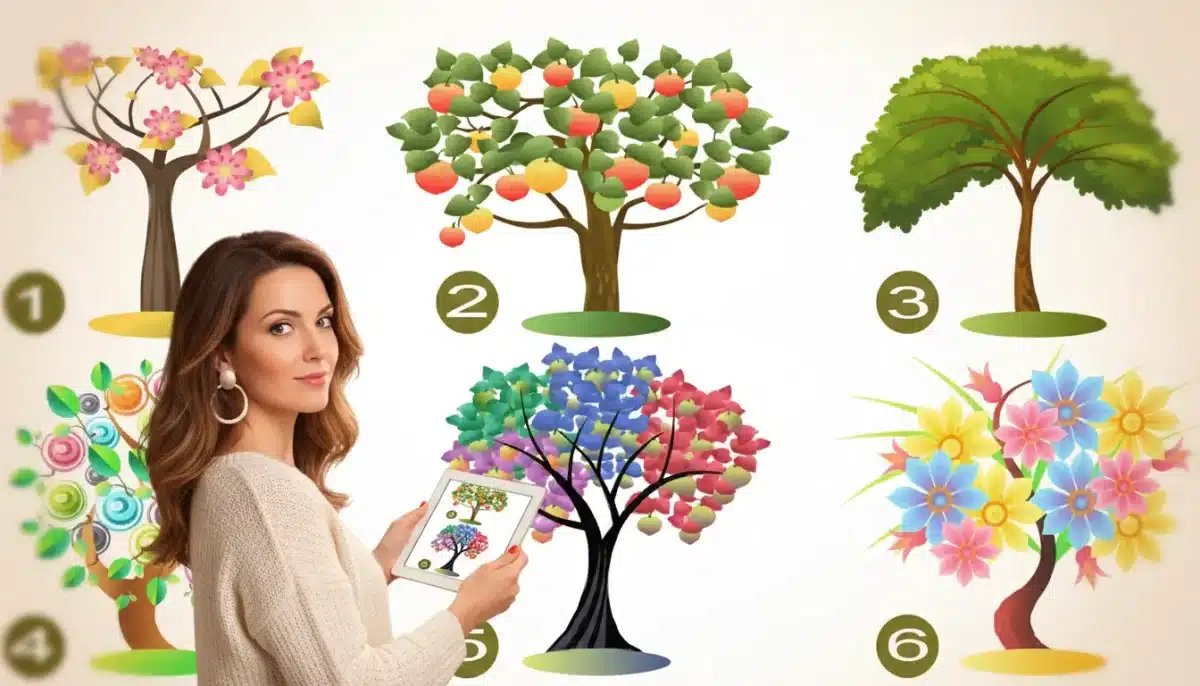
What Your Instinctive Tree Choice Reveals About Your Personality—Experts Explain
- The screen shows you which files occupy the most space, even highlighting everything over 5 MB.
- Files are sorted by size, making it a breeze to identify and target the true digital culprits.
While lowering your media quality settings might provide minor relief, it doesn’t really cut it when your meme supply rivals the Library of Congress. The real fix is this trash function: keep your conversations, lose the clutter. One quick purge, and your phone will feel as light as it did on day one (okay, almost).
The Simple Step-by-Step to Reclaim Gigabytes
- Open WhatsApp.
- Hit the three dots in the top right (that’s Android). For iPhone, go to “Settings.”
- Head into “Storage and Data”—that’s where you manage quality or automatic downloads.
- Then, select “Manage Storage” and enter the internal trash.
On the “Manage Storage” screen, you’ll see how much space the app, and your media, are occupying. Here’s what to do:
- Select “Review and Delete Items.” Files larger than 5 MB will be listed at the top.
- Tick off the heaviest offenders. Yes, that blurry concert video from 2017 can go.
- Tap the trash can icon. Confirm your choice and—presto!—your phone can instantly recover several hundred MB or even multiple gigabytes.
If you delete a file by mistake (hey, we’ve all been there), just pop back into the chat where you received it. Tap on the message and you can re-download it—just keep an eye on your data plan, as downloading lots can use up mobile data fast.
- Deleting in batches is usually best. Afterward, check your free space to admire your tidy work.
- Your conversations stick around, only the extra baggage disappears.
Pro Tips for Keeping Your WhatsApp Lean
- Disable automatic photo and video downloads, especially on mobile data.
- Lower media quality when high resolution isn’t key.
- Sort your media regularly—prioritize sorting by file size and by conversation. Large files and especially active groups are usually the main culprits.
Like millions in France, if you’re swapping photos, videos, and documents every day, it’s no wonder your space fills up so quickly. Setting up a weekly clean-up routine can save you from those “storage full” warnings. A quick stop in the internal trash, and you’ll keep your important messages while ditching the rest.
Your Phone, Your Peace of Mind
A few thoughtful moves make all the difference. The internal trash in WhatsApp, accessed via “Manage Storage,” lets you target what’s unnecessary while keeping what’s essential. And because deleted files can be pulled back from within the chat, you’re always in control—no need to fear accidental erasure. With regular cleanups, your phone will run smoother, your media will be safe, and best of all, your gigabytes will be yours again. It’s serenity in a few taps—a lighter pocket and a lighter mind.