
Show summary Hide summary
The Obvious: Playing Media From USB
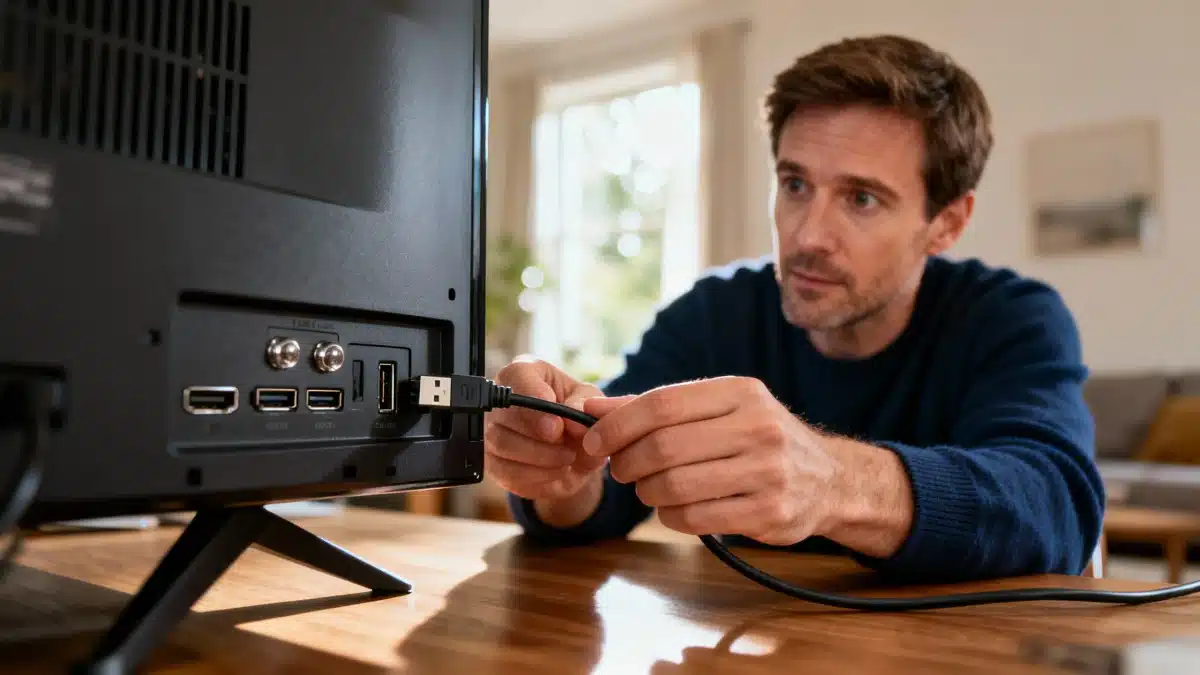
On most modern TVs—basically any set from this decade—a USB port quietly waits for you to notice it. Most TV owners either ignore it or just see it as a convenient way to plug in a USB drive and watch videos, photos, or revisit old memories. But let’s not skip the basics: simply plugging a USB stick into your TV lets you enjoy its contents right on the big screen! It’s perfect for reliving family moments, photo slideshows, or enjoying TV shows and movies you’ve already downloaded—as long as the file format is compatible, like MP4, AVI, or MKV in most cases.
More Than Meets the Eye: Recording & Extra Storage
Still, the features go far beyond that simple media playback. Many TVs come with a recording button or function, allowing you to save live broadcasts directly onto your USB stick or any storage device connected to your TV. Not only can you capture live shows or special events, but you can also expand your TV’s maximum storage space if you’re running low. That means more room for new apps or recordings—no need to start deleting your favorite content just yet!
Anglo-Saxon burial reveals “unprecedented” secrets: experts stunned by 1,400-year-old grave mysteries
What Your Instinctive Tree Choice Reveals About Your Personality—Experts Explain
Hidden Superpowers: Keyboards, Mice, and Gaming Peripherals
Here’s a feature that might just blow your mind if you haven’t tried it yet: turning your TV experience up a notch with external peripherals. Plug in a keyboard and mouse, and suddenly navigating the web from your couch becomes a whole lot easier—no more clumsy remote-typing letter by letter. And for gaming fans, you can also connect a compatible controller or game console straight through USB, letting you access select titles directly on your TV—no need for yet another power outlet.
Even More Surprises: Connecting Your Smartphone & Charging Devices
If you own a relatively recent smartphone, things get even better. With a USB-C to USB-A adapter, you can connect your phone to your TV. Some phones even let you mirror their screens onto the TV—a lifesaver for giving presentations in the office or just sharing your latest vacation snaps with friends.
But perhaps the most underrated feature of all is this: charging your devices. Since your TV is always plugged into the wall, its USB port can provide power to your smartphone or any other device connected to it. It’s the perfect quick fix if you’ve misplaced your original phone or tablet charger and need a recharge in a pinch.
- Watch photos, videos, and series from a USB drive
- Record TV shows directly onto external storage
- Expand your storage for more apps and downloads
- Control your TV with a keyboard, mouse, or game controller
- Connect and mirror your smartphone screen
- Charge your phone or other devices
From overlooked port to secret hub of TV wizardry—the USB port on your TV is a true multitasker. Next time you’re searching for your phone charger or want to impress your office with an impromptu presentation, remember: your TV’s got your back!