Show summary Hide summary
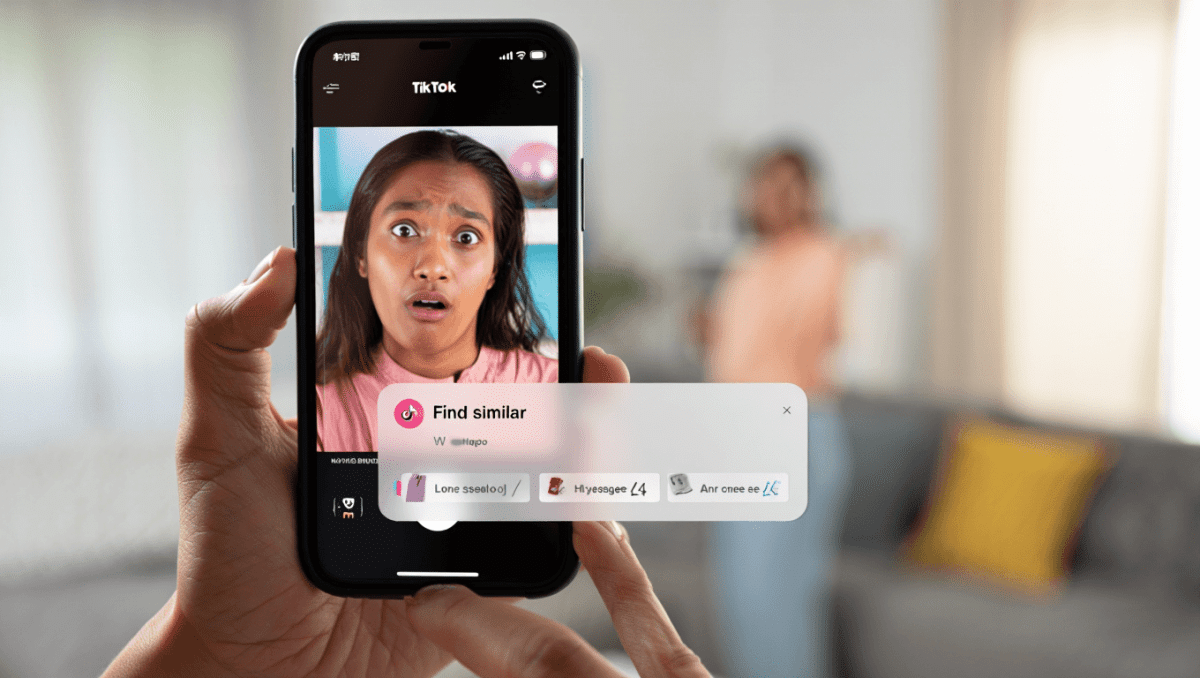
TikTok has begun testing an AI-powered visual search feature that scans video frames and tags items users can shop or explore. The rollout is gradual, and the change is already sparking debate among creators and viewers.
What TikTok’s visual search tagging does and how it appears
The tool analyzes video content in real time and attaches labels such as “find similar.” When available, it can link directly to products in TikTok Shop or other related clips. TikTok says the feature is part of a broader AI effort and is being distributed to a limited group of creators first.
Anglo-Saxon burial reveals “unprecedented” secrets: experts stunned by 1,400-year-old grave mysteries
What Your Instinctive Tree Choice Reveals About Your Personality—Experts Explain
Key capabilities:
- Detects clothing, accessories, and objects inside paused video frames.
- Surfaces related videos, trends, or shopping links when a match is found.
- Available as a test feature that users can disable in settings.
Real-world results: promising ideas and clear mistakes
The AI can find useful matches, but it also makes noticeable errors. Several viral checks show it pairing the wrong brands or products with high-profile clips.
- Recognized classic Converse shoes, but not a creator’s limited-edition pair.
- Tagged a hat that looked similar to a streamer’s, even though it was a knock-off match.
- Identified jerseys that didn’t match the sports teams shown in the video.
- Suggested eyewear from obscure labels for a celebrity who likely hasn’t worn them.
- Mislabeled a lip product as part of a celebrity’s signature line.
- Matched a staged costume to brands unlikely to be associated with the artist.
These examples suggest the underlying model is useful for pattern matching but can struggle with brand nuance and limited-edition items.
Creators and viewers push back—or embrace the change
Responses vary. Some creators say the repeatedly appearing tags interrupt the viewing experience. One creator reported the label kept popping up, calling it “very annoying.”
Others flagged uncertainty about how clips are being categorized by AI and encouraged followers to explore the new controls. At the same time, some users see upside. Comments praising added exposure and shopping opportunities have also appeared.
Important context: TikTok deploys features in waves, so not every account sees the tool at the same time. The in-app setting for this test is labeled Display Object Tags in Playback.
Step-by-step: disable the Find Similar tags on TikTok
If the automatic tags bother you, you can turn them off in a few taps. Follow these steps to regain control:
- Open your TikTok profile. Tap the three dots or lines in the top-right corner.
- Choose Settings and privacy.
- Find Playback in the list of settings.
- Tap Display Object Tags.
- Toggle it off. The tags will stop appearing while you browse.
Tip: Since the feature is experimental, labels and menu names might change as TikTok refines the tool.