
Show summary Hide summary
- How a single TikTok blew up into a widespread alarm complaint
- Patterns people are reporting and the suspected technical culprit
- Simple fixes users say worked for them
- How to test your alarm before an important event
- Real consequences people reported after alarms failed
- What to watch for in software updates and official responses
A traveler’s social post about an iPhone alarm that made no sound has ignited a wave of reports from users who say they’ve slept through flights, shifts and exams because their Apple alarms were silent.
How a single TikTok blew up into a widespread alarm complaint
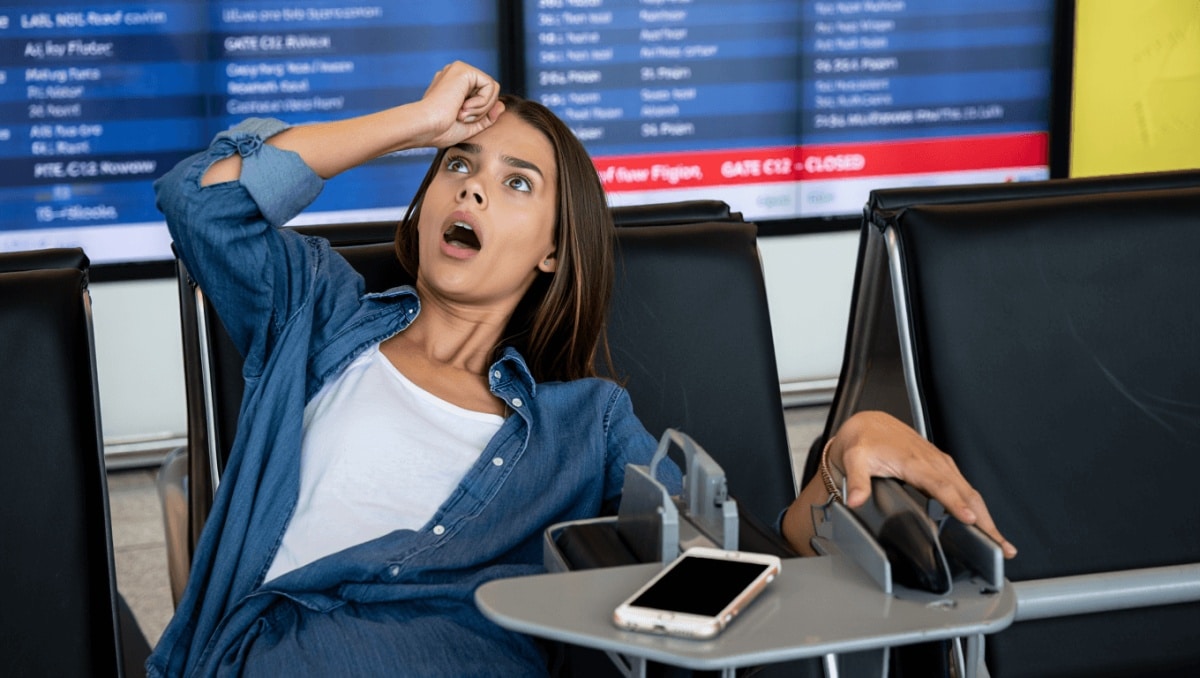
A short video posted by Brett Chody reached hundreds of thousands of viewers. She missed an early flight and later discovered her phone logged the alarm as having sounded for hours, yet she heard nothing.
Anglo-Saxon burial reveals “unprecedented” secrets: experts stunned by 1,400-year-old grave mysteries
What Your Instinctive Tree Choice Reveals About Your Personality—Experts Explain
The clip resonated quickly. Viewers flooded the comments with their own stories. Many described nearly identical experiences: alarms showing as triggered while the owner slept through them.
Patterns people are reporting and the suspected technical culprit
Comments and follow-up posts revealed common elements across incidents.
- Alarms register in the app but produce no audible sound.
- Phones sometimes show the alarm was active for hours.
- Many reports mention alarms failing during important events.
Users point to the iPhone’s Face ID behavior as a likely factor. In particular, the Attention Aware feature in Face ID settings is being blamed for suppressing alarm audio. People say the phone may think it is in use and mute alerts as a result.
How Attention Aware is said to affect alarms
- When enabled, the iPhone reduces certain sounds if it detects your attention.
- Users allege this detection can incorrectly mark the device as “in use.”
- The result, they claim, can be alarms that flash onscreen but stay silent.
Simple fixes users say worked for them
Several practical workarounds surfaced in comment threads and replies to the original video.
- Turn off Attention Aware in Face ID & Passcode settings.
- Place the phone face down while sleeping, according to some users.
- Confirm alarm volume and chosen alarm sound each night.
- Disconnect Bluetooth speakers or headphones before bed.
These are anecdotal solutions from people who reported success. They are not official fixes from the device maker.
How to test your alarm before an important event
- Set a test alarm for a few minutes ahead and sleep normally.
- Check that the ringer and volume are set to audible levels.
- Verify no Bluetooth audio device is connected.
- Toggle the Face ID Attention Aware setting off and test again.
- Confirm Focus or Do Not Disturb modes do not block alarms.
Running two quick tests—one with Attention Aware on and one with it off—can reveal whether the setting affects your device.
Real consequences people reported after alarms failed
After the viral post, dozens of users replied that they had missed exams, first days at work, and shifts because alarms did not sound. The recurring sentiment: this is not a one-off annoyance but a problem with real cost.
Many said the anxiety around alarms has grown. Some now check settings and volumes every night before sleeping.
What to watch for in software updates and official responses
At the time of these reports, Apple had not published a broad statement addressing the pattern. Users urged the company to investigate and to clarify whether Attention Aware or another iOS process is responsible.
Keep an eye on software update notes if you rely on alarms for travel or work. Patches or setting changes could appear in future iOS releases.