
Show summary Hide summary
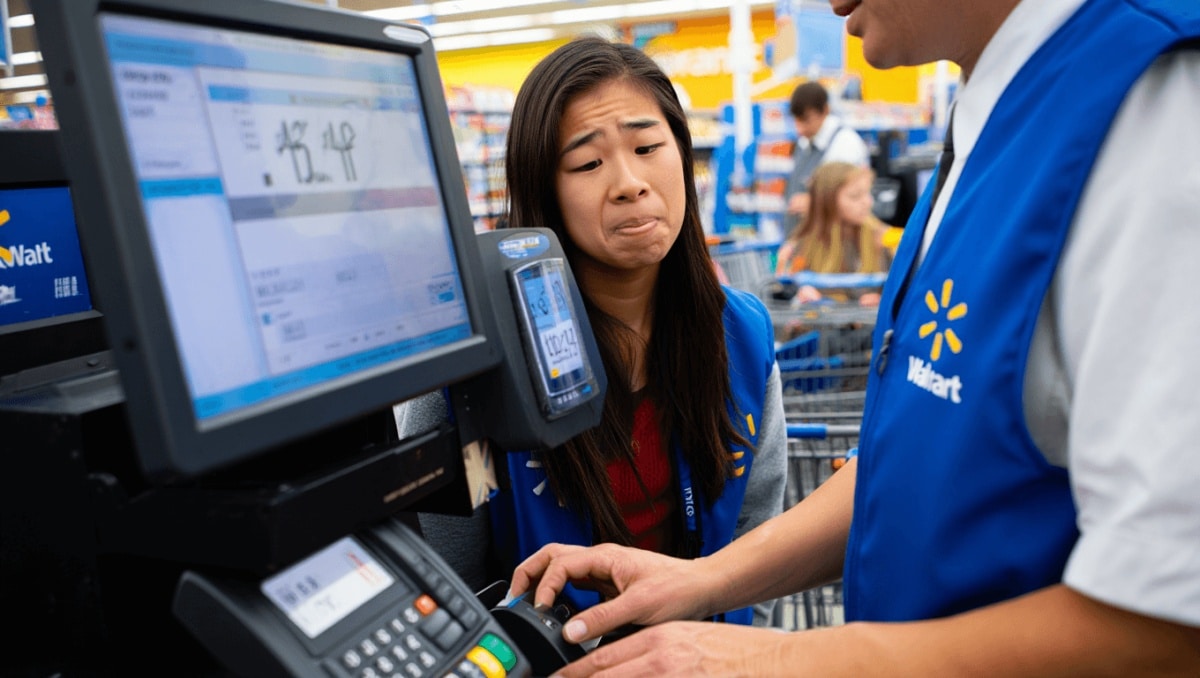
A TikTok post about a strange checkout mismatch at a Walmart register has shoppers on alert. A customer says the screen at the register showed one total, while the card reader displayed a much higher amount. The clip has sparked fresh worries about billing errors and led many to share similar experiences and tips for avoiding surprise charges.
How the reported checkout mismatch unfolded
The video shows a shopper who noticed a $108 total on the register screen. When she tapped her card, the separate payment reader displayed $193 — $85 more. She pulled her card back and the cashier moved the sale to another terminal. The second register charged the correct amount.
Anglo-Saxon burial reveals “unprecedented” secrets: experts stunned by 1,400-year-old grave mysteries
What Your Instinctive Tree Choice Reveals About Your Personality—Experts Explain
Because she never completed the higher-charge transaction, she didn’t know if her bank would have been billed. Still, she posted the clip to warn others to watch closely at the point of sale.
Why shoppers are worried about checkout errors
Viewers reacted fast. Many said similar issues are common and suggested shoppers stay vigilant. Comments ranged from frustration to alarm, with users describing repeated problems at registers and self-checkouts.
- Duplicate or extra items appearing on the screen after scanning.
- Receipts that later show removed items still billed.
- Card readers and register screens displaying different totals.
- Instances where a higher-size or variant is added automatically.
Common explanations for mismatches at the register
Technical and software issues
Registers and payment terminals often run separate software. If they fail to sync, the two displays can show different totals. Network lag or a software bug can create a temporary mismatch.
Scanning and configuration problems
Barcodes may be linked incorrectly to inventory. That can cause the wrong SKU or a higher-priced variant to be added without the cashier noticing.
Human error and process gaps
Clerks can accidentally add items or select the wrong option. In busy stores, small mistakes may go unnoticed unless customers check the screen.
Steps shoppers can take to avoid being overcharged
- Watch both screens: Check the register and the card reader before inserting or tapping your card.
- Ask the cashier to pause if totals differ.
- Keep physical or digital receipts and compare them to your bank statement.
- Use contactless payment or mobile apps when possible to reduce terminal handoffs.
- Take a quick photo of the final total before leaving the counter.
- Request a manager if you suspect an error or feel pressured to accept a higher amount.
When to dispute a charge and how to report it
If an unexpected charge posts to your account, start by contacting the store. Provide your receipt and any photos you took. If the store can’t help, call your bank or card issuer to file a dispute.
- Gather proof: receipts, timestamps, and photos.
- Contact the merchant first to request a correction.
- If unresolved, open a charge dispute with your card company.
- Document all communications and keep copies of responses.
How retailers and regulators respond to billing complaints
Major retailers usually have policies to reverse incorrect charges. Repeated issues can trigger internal audits of registers and payment systems. Consumer protection agencies also track patterns of complaints.
Shoppers who see recurring errors at a single location may consider filing a complaint with local consumer authorities. This can prompt closer inspection of store practices and equipment.